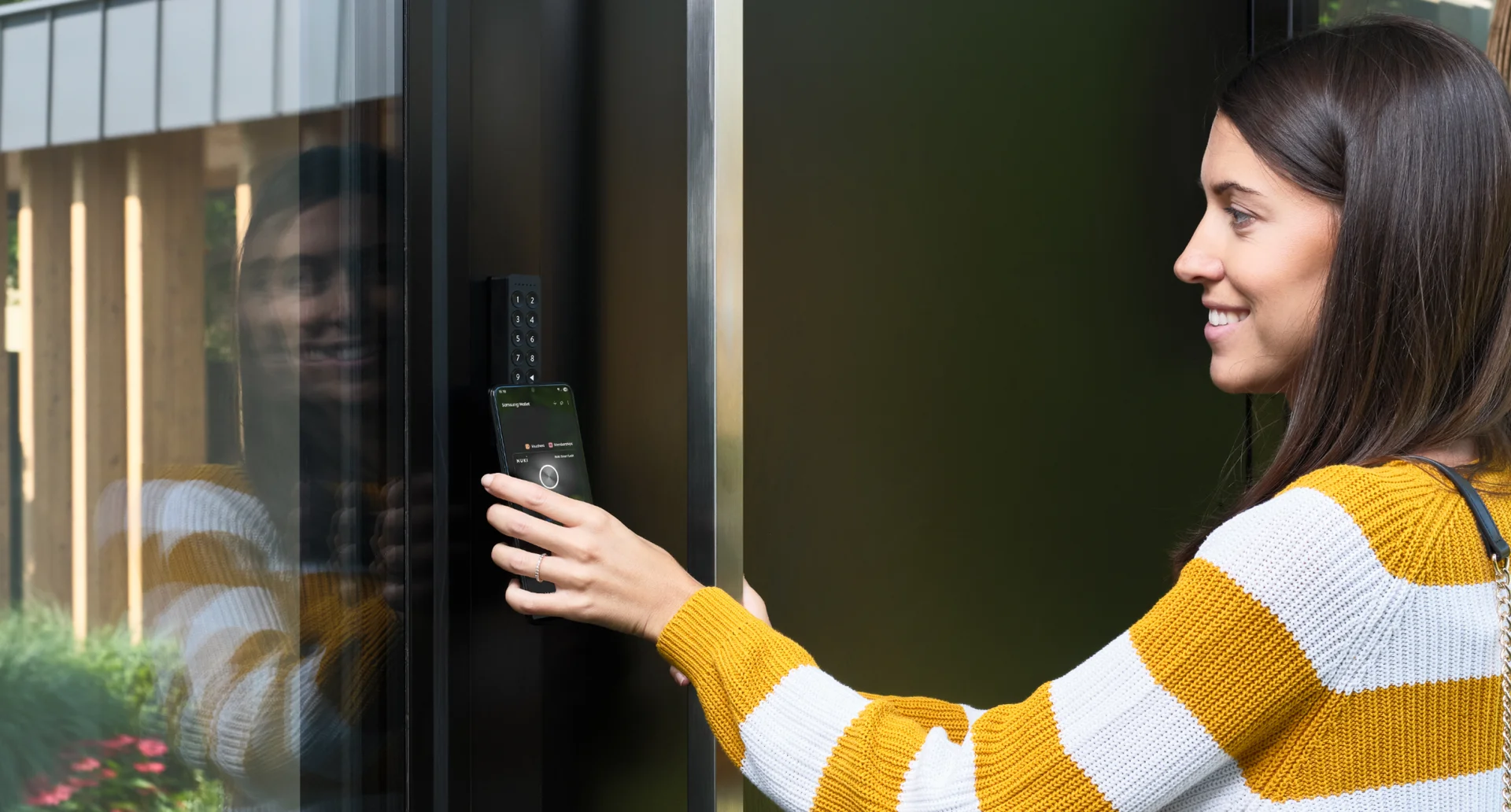
From Tap to Pay to Tap to Unlock.
How NFC unlocks your door with a simple tap
Let’s be honest: What’s the one thing we always have with us? Most likely, our phone.
It’s the device that brings everything together:
- Managing work and family with shared calendars
- Handling finances through mobile banking
- Calling (or texting) someone for a quick life update
- Paying at the supermarket checkout
So let’s take it one step further. If we trust our phone with our money, why not trust it with our front door?
With Tap to Unlock, entering your home becomes effortless. No searching for your keys, no fumbling in your bag, and no waiting. Just one tap, and you’re in.
NFC: Designed for control and peace of mind
NFC (Near Field Communication) is the technology that powers contactless payments, transit cards, and now also your front door.
With Tap to Unlock, NFC turns your phone into a secure digital key.
Here’s how it works:
NFC operates at a very short range (just a few centimeters), so your door unlocks only when you intentionally place your phone on the keypad. Because every interaction requires close proximity, each tap is deliberate. Making this a secure and controlled way to manage access.
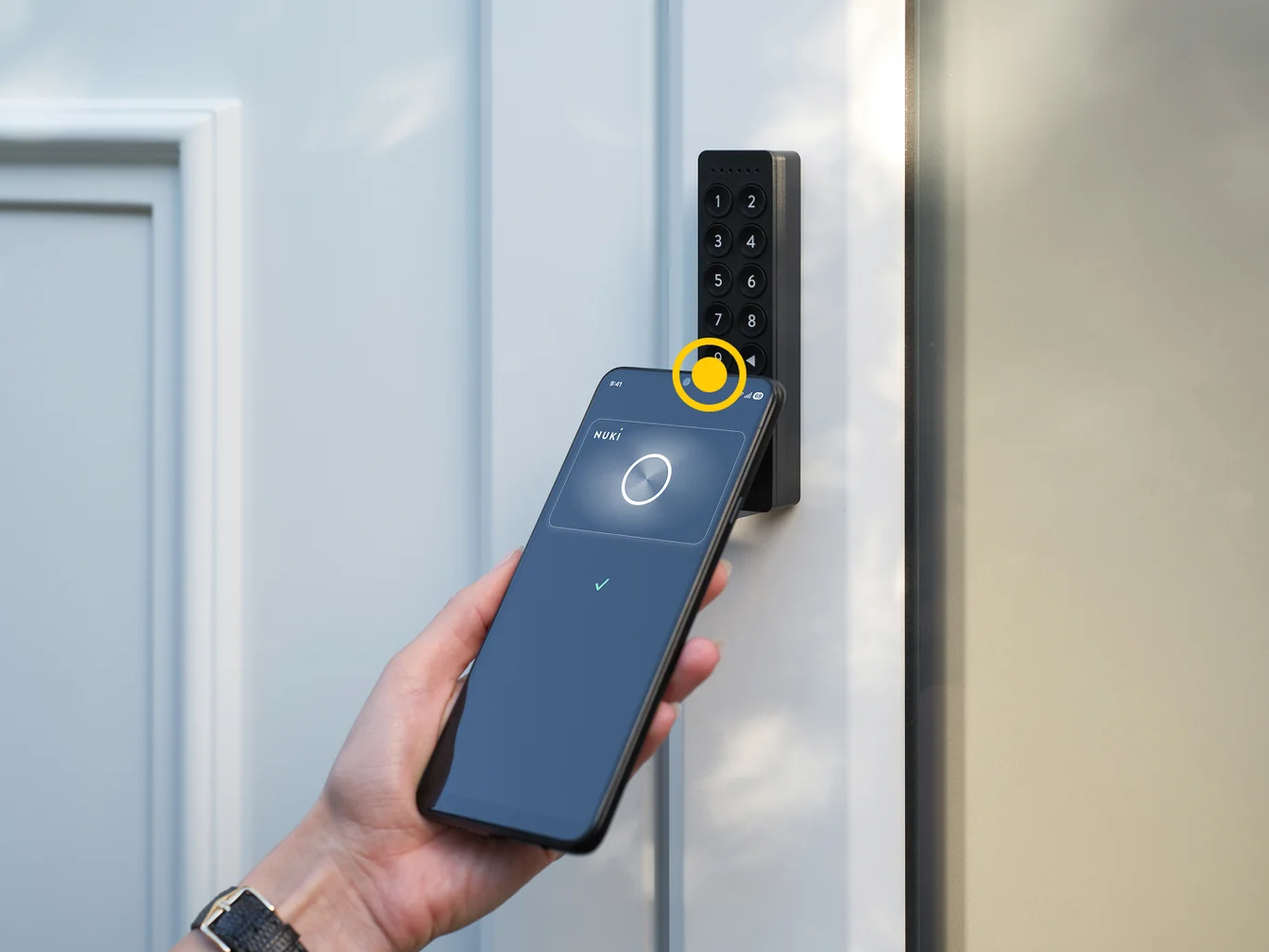
How does Tap to Unlock work with Nuki?
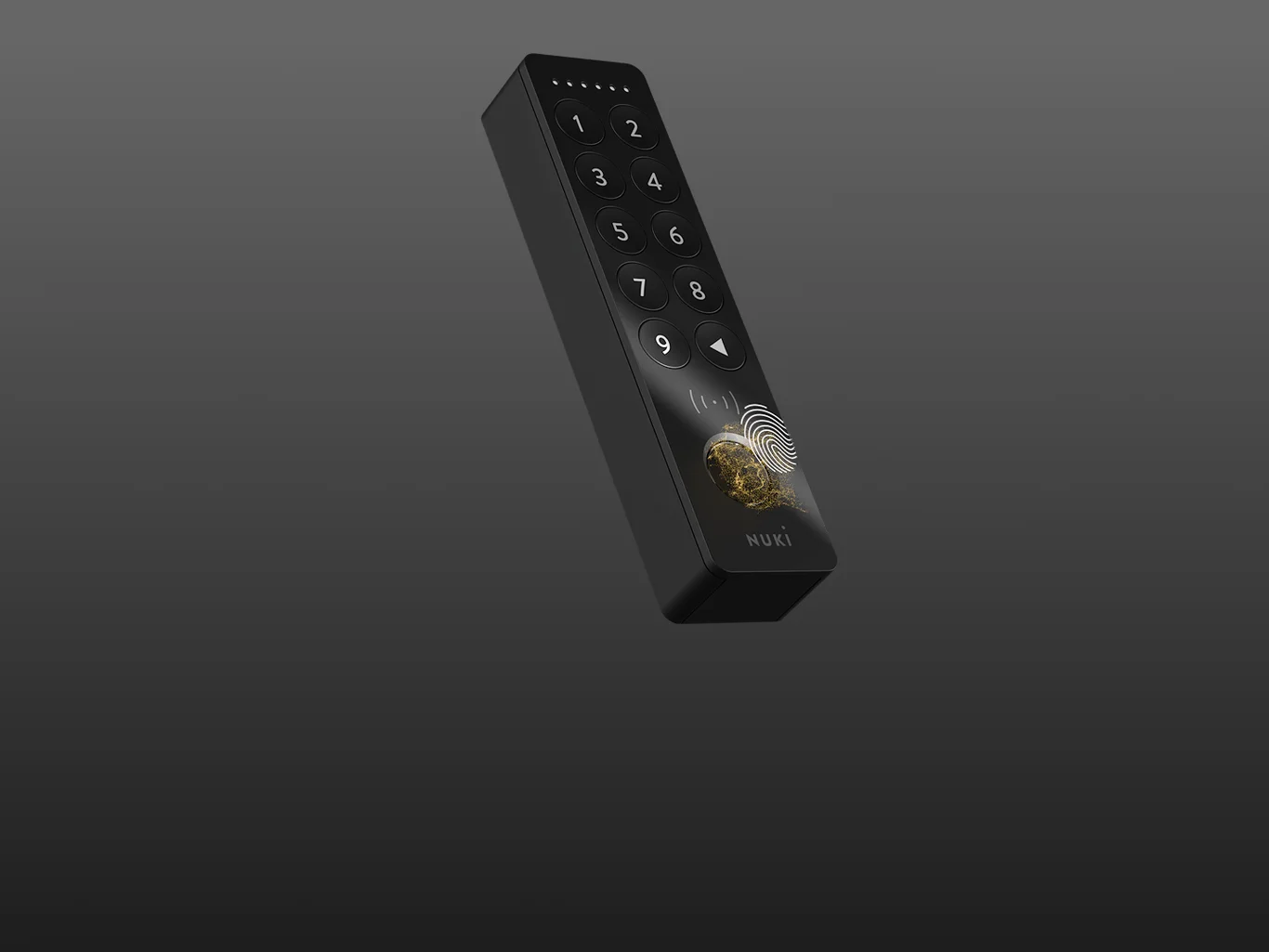
To get started, you’ll need an NFC-enabled smartphone, a Nuki Smart Lock (4th Generation or later), and the Nuki Keypad 2 NFC.
Setting it up is simple:
- Install your Smart Lock and Keypad 2 NFC
- Open the Nuki App and pair your devices
- Select your preferred Tap to Unlock mode in the settings
How you use Tap to Unlock depends on your setup: You can use it directly with Nuki or connect it to your smart home system.
Choose how you want to use Tap to Unlock
Tap to Unlock can be used in two ways:
Smart Home Mode, where your digital key lives in your Apple or Samsung Wallet and requires a Matter-compatible hub for the setup.
And Nuki App Mode, which works directly through the Nuki app and does not require a Matter hub or additional smart home ecosystem.

Smart Home Mode (Matter capable hub required)
If you’re using a Matter-enabled smart home setup, Tap to Unlock becomes part of your connected home. Your smart home app is where you add and remove NFC access credentials after the initial setup.
With Apple home key or Samsung Wallet Digital Home Key, you can store your digital key in your wallet and unlock your door with a simple tap.
🍏 Apple home key: Tap, just like Apple Pay
If you're in the Apple world, this will feel instantly familiar.
With Apple home key, your digital key lives in your Apple Wallet. Tap your iPhone or Apple Watch on the Nuki Keypad 2 NFC and your door unlocks instantly. Perfect for homes connected to Apple Home via Matter.
No extra steps. No extra thinking.
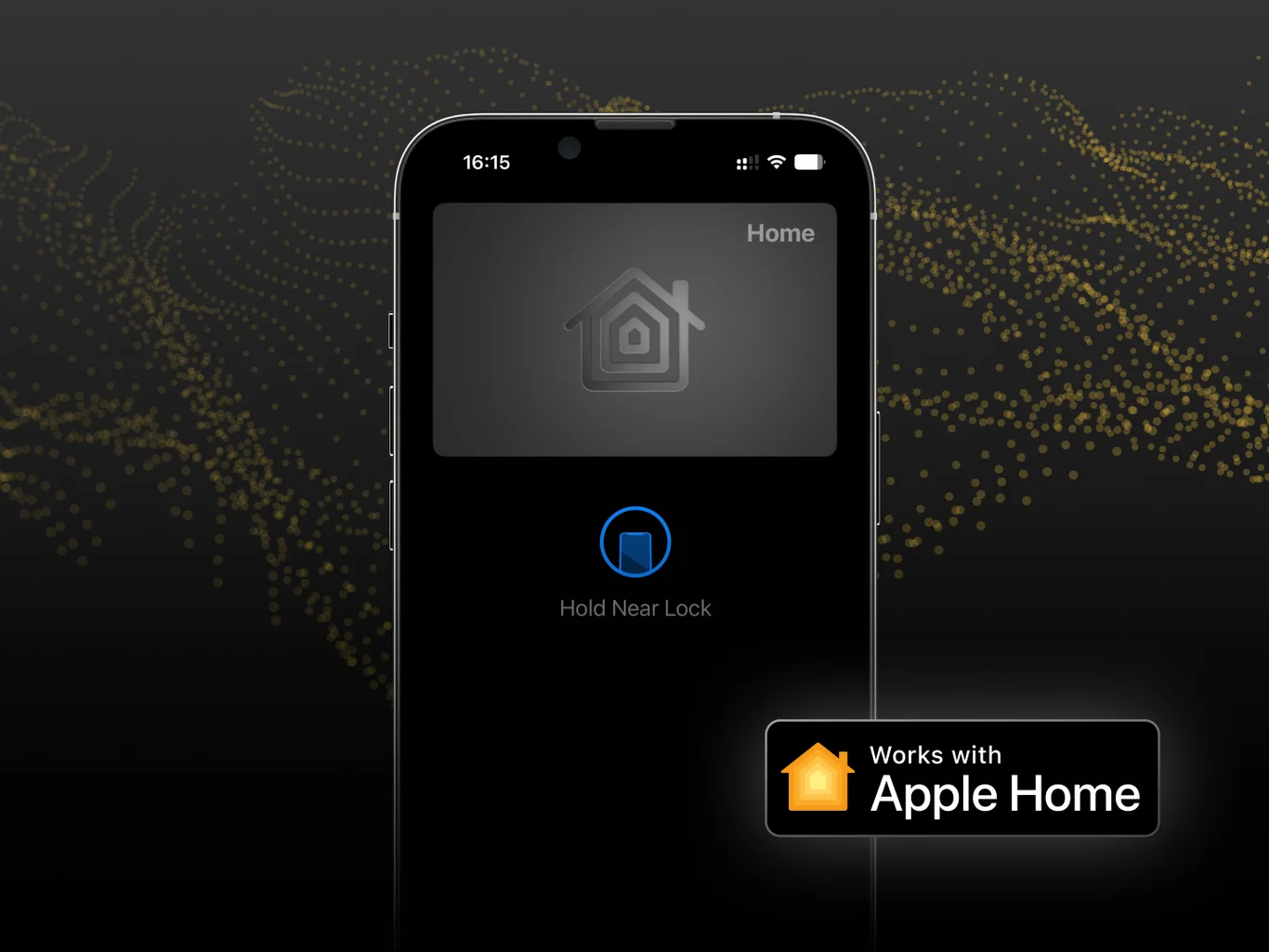
Why people love it:
- Tap with iPhone or Apple Watch
- Stored securely in your Apple Wallet
- Synced to all Apple devices connected to the Apple ID
- Fits perfectly into the Apple ecosystem
Tap to Unlock with Apple home key is available for iPhone XS and later (iOS 18.6 or later) and Apple Watch Series 4 and later (watchOS 11.6 or later). Your compatible Nuki Smart Lock (4th Generation or later) must be integrated into your Apple Home via Matter with a hub.
📱 Samsung Wallet Digital Home Key: Made for Galaxy smartphone users
Samsung Galaxy smartphone users can instantly unlock their doors. The same way you pay, with a simple tap.
With Samsung Wallet Digital Home Key, your access lives in SmartThings and connects through a compatible hub. Just tap your Galaxy smartphone on the keypad and watch the magic happen.
One ecosystem. One interaction. One tap.
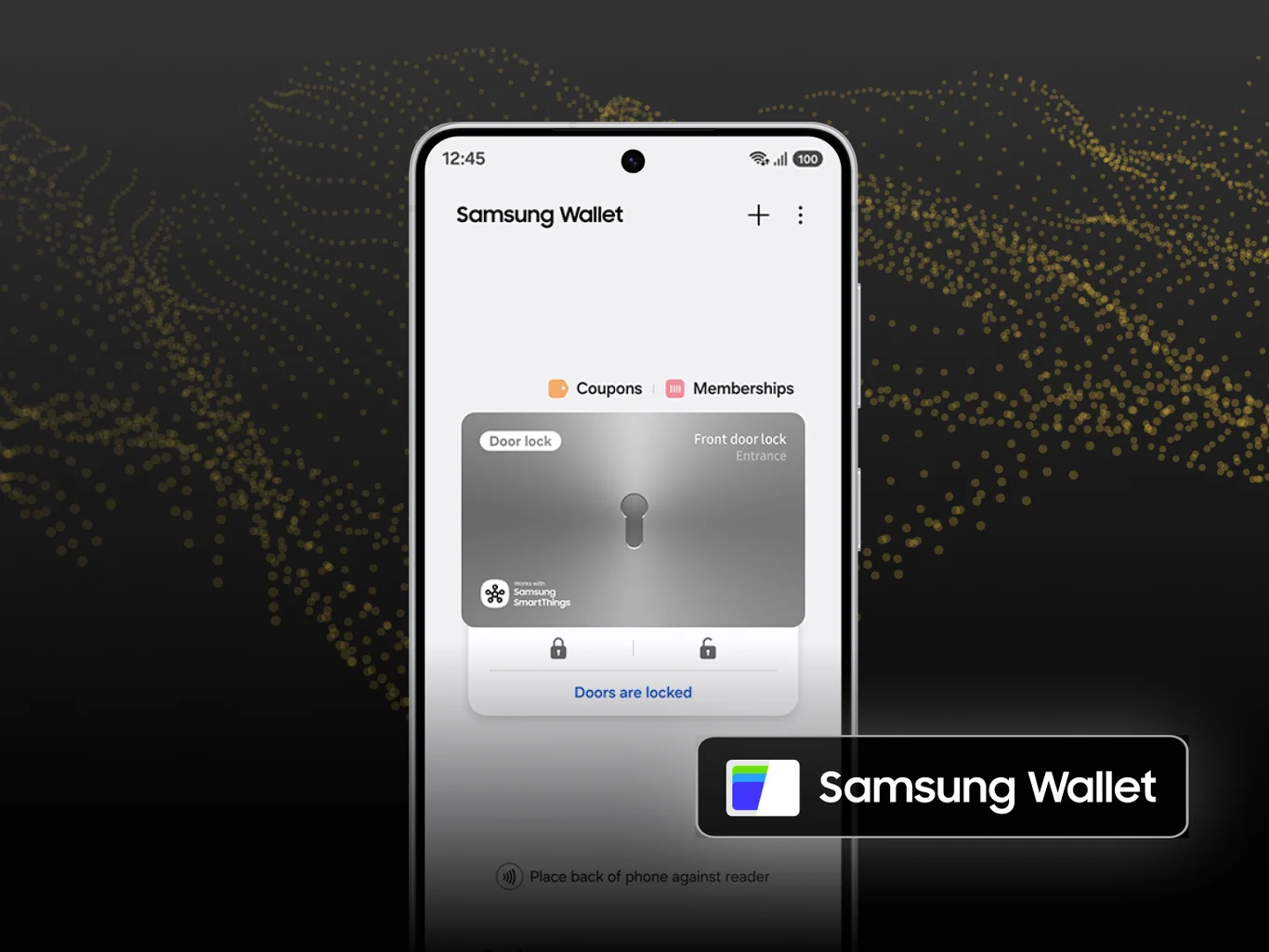
Why people love it:
- Seamless SmartThings integration
- Familiar Samsung Wallet experience
- Ideal for connected Samsung SmartThings households
Tap to Unlock with Samsung Wallet Digital Home Key is available when your compatible Nuki Smart Lock (4th Generation or later) is integrated into SmartThings via Matter using a hub.
Nuki App Mode (no hub required)
No smart home hub? No problem.
One of our core principles is to make new features accessible to all users, regardless of the manufacturer. With the Nuki App Mode, your digital key stays inside the Nuki app. No Matter setup required. No additional ecosystem needed.
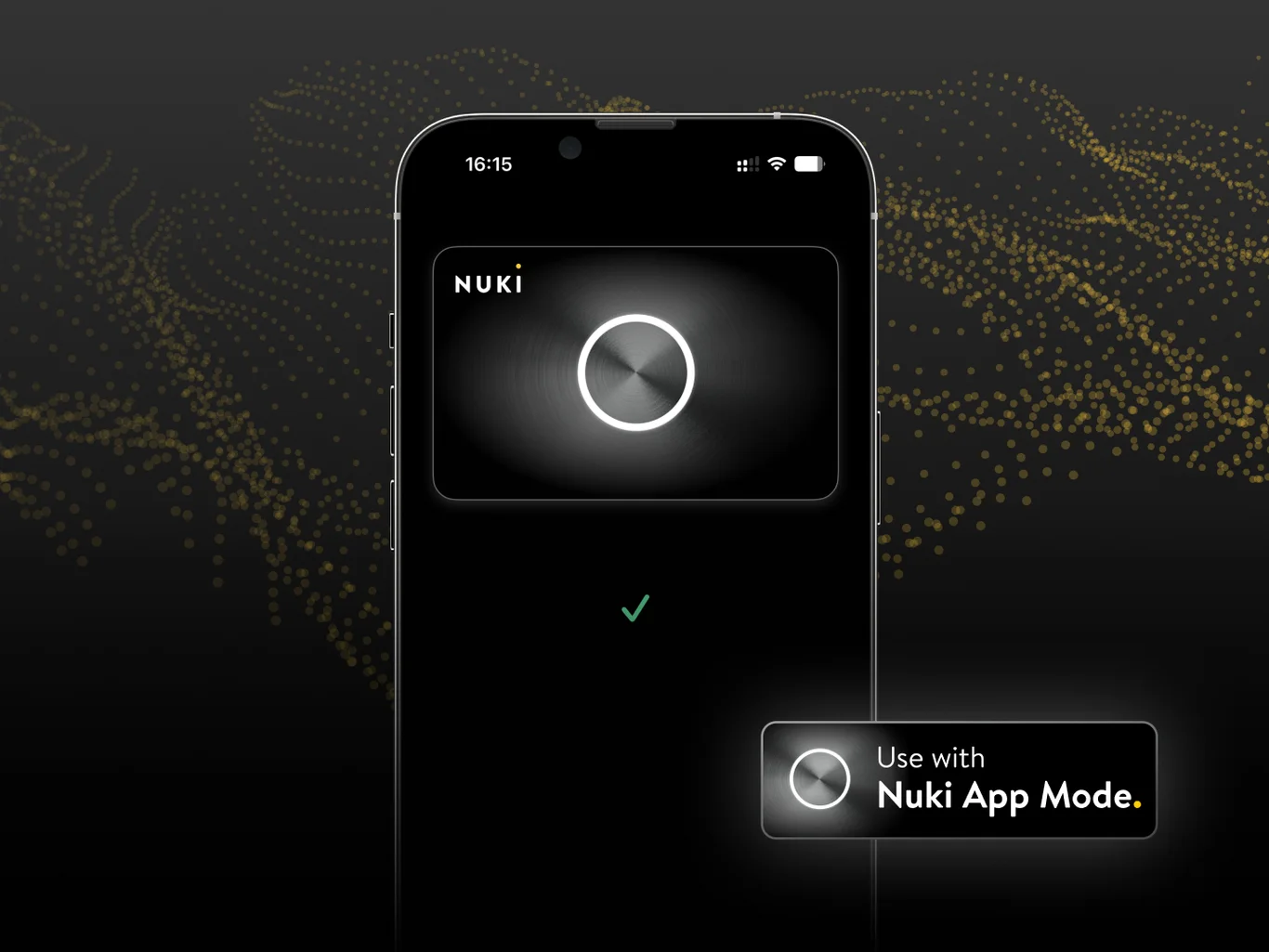
Why people love it:
- Works for everyone with Nuki App access
- Easy to start
- Flexible to expand later
- User management stays within the Nuki App
Tap into more than just unlocking
Here’s where things get really interesting: Tap to Unlock isn’t just an action — it can also become a trigger.
In Smart Home Mode, unlocking your door can set your home in motion, whether you use Apple Home or Samsung SmartThings.
Feeling instantly at home
When you arrive, your home can respond the way you want it to:
- Lights turn on
- Temperature adjusts
- Alarm switches off
Welcome home, honey
Because each digital key is personal, your home can also respond differently depending on who unlocks the door.
- Your partner unlocks: Music starts → lights shift to a warm scene
- Your child arrives: You get notified → study lights turn on → TV stays restricted
- The dog sitter enters: Access is limited → only selected areas are available
Everything is ready at exactly the right moment for exactly the right person.
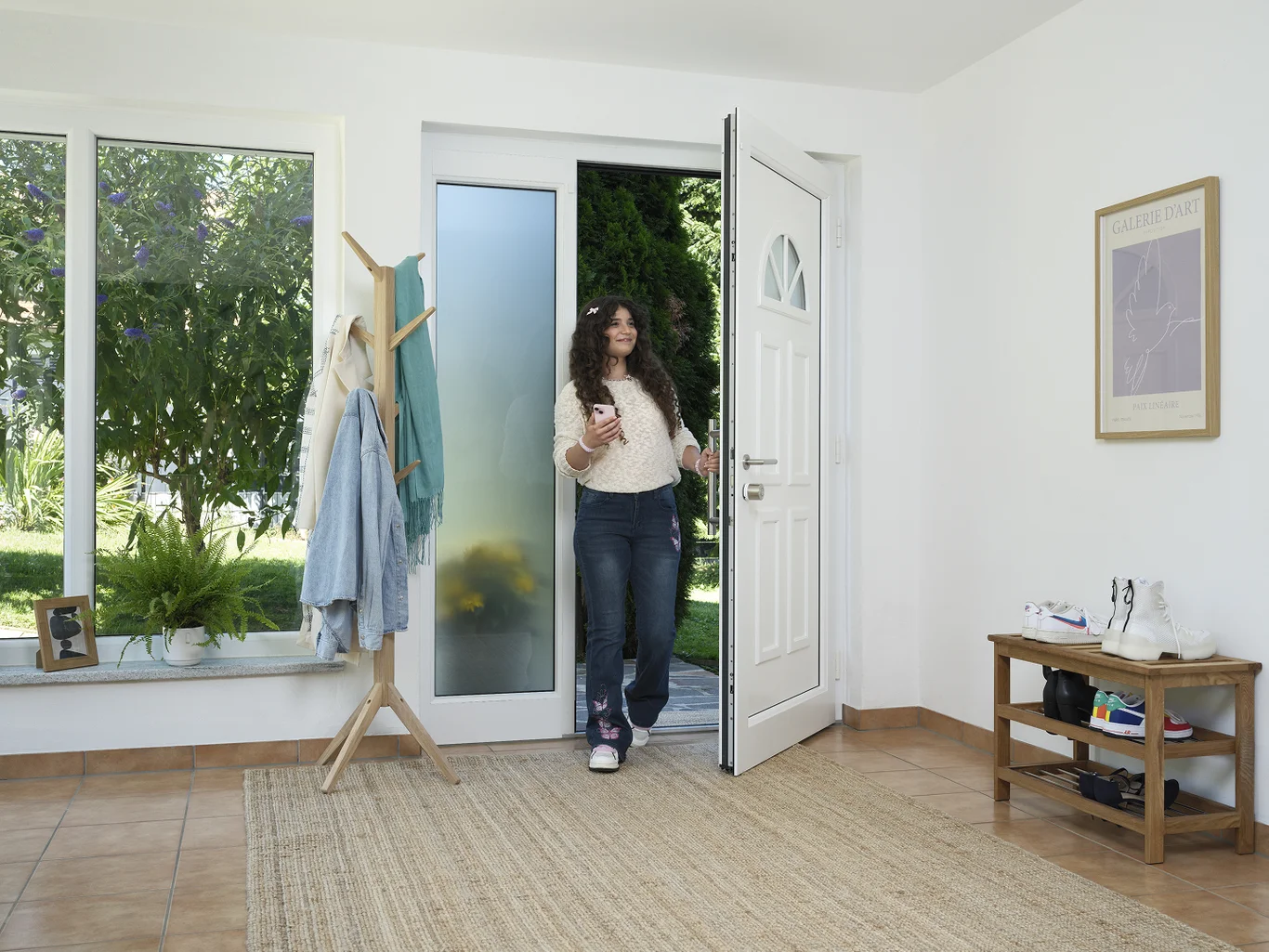
From tapping to paying, to tapping your door
Tap to Unlock builds on something you already trust, and brings it to one of the most important places in your home: your front door.
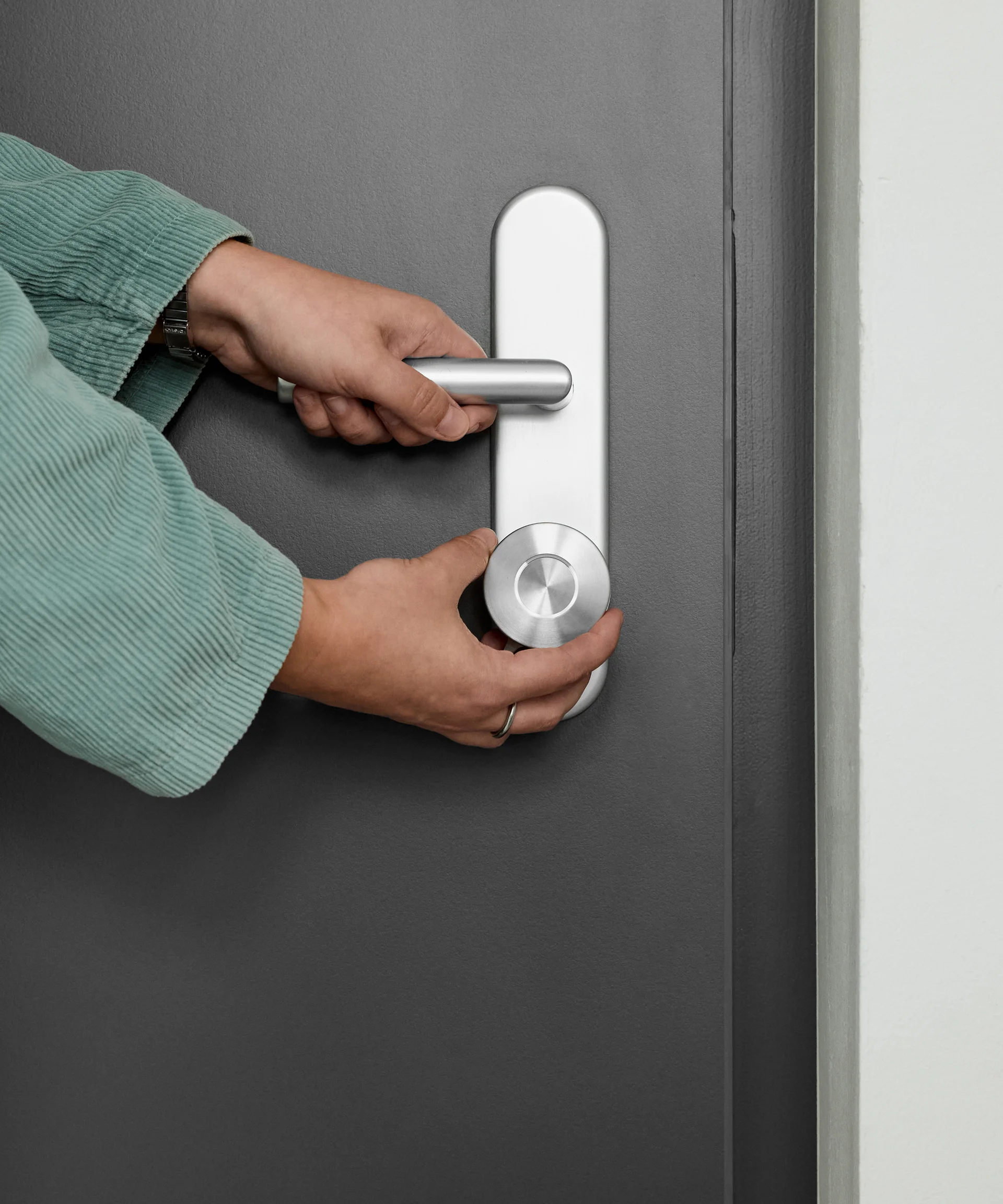
Setup the Smart Home Mode
With the instructions in our Help Center