When does using Nuki Web make sense?
For more peace of mind: a clear overview, activity filters, and push notifications all in one place
Want to know who has access to your home, check what happened at your door, or receive a warning when something needs your attention? Nuki Web gives you a clearer overview of your smart access and makes push notifications in the Nuki App possible.
Nuki Web and the Nuki App: better together
The Nuki App is your everyday companion for opening your door, adjusting settings, and sharing access on your smartphone.
Nuki Web complements it with a browser-based overview. See your connected devices and their access permissions in one place, review activities across devices, and filter the activity log to find a specific entry.
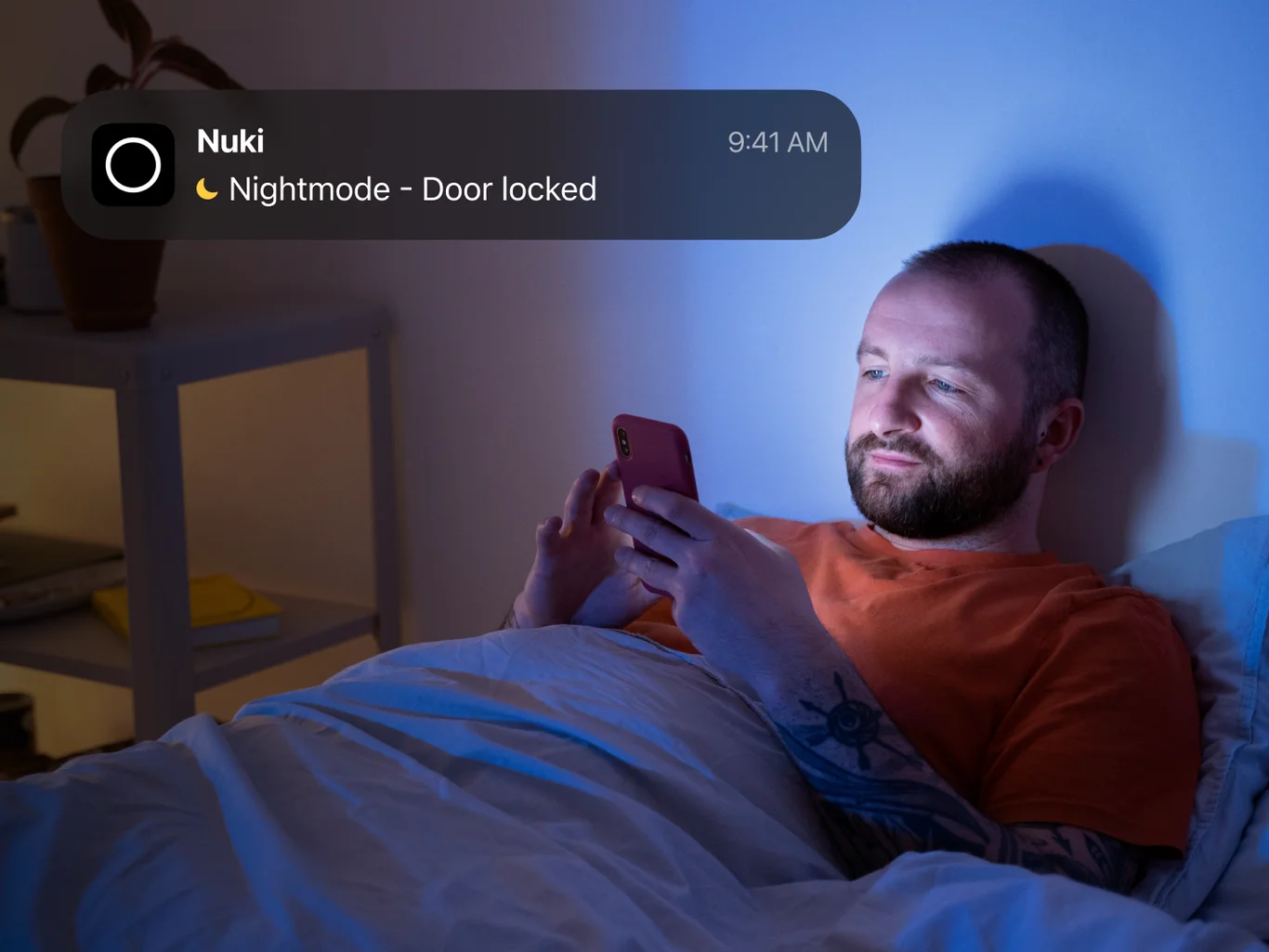
Want updates without checking the app? Nuki Web makes push notifications on your smartphone possible. You can already find information about activities and warnings in the Nuki App. Push notifications bring selected updates directly to your smartphone screen, so you don’t have to actively open the app to check for them.
See who has access to your home
A family member, a neighbor, someone who helps around the house: over time, the list of people with access to your home can grow.
Nuki Web gives you an overview of the permissions you’ve granted. Check which devices a person can access and adjust their permissions when your needs change.
It’s a simple way to make sure your access arrangements still fit your life.
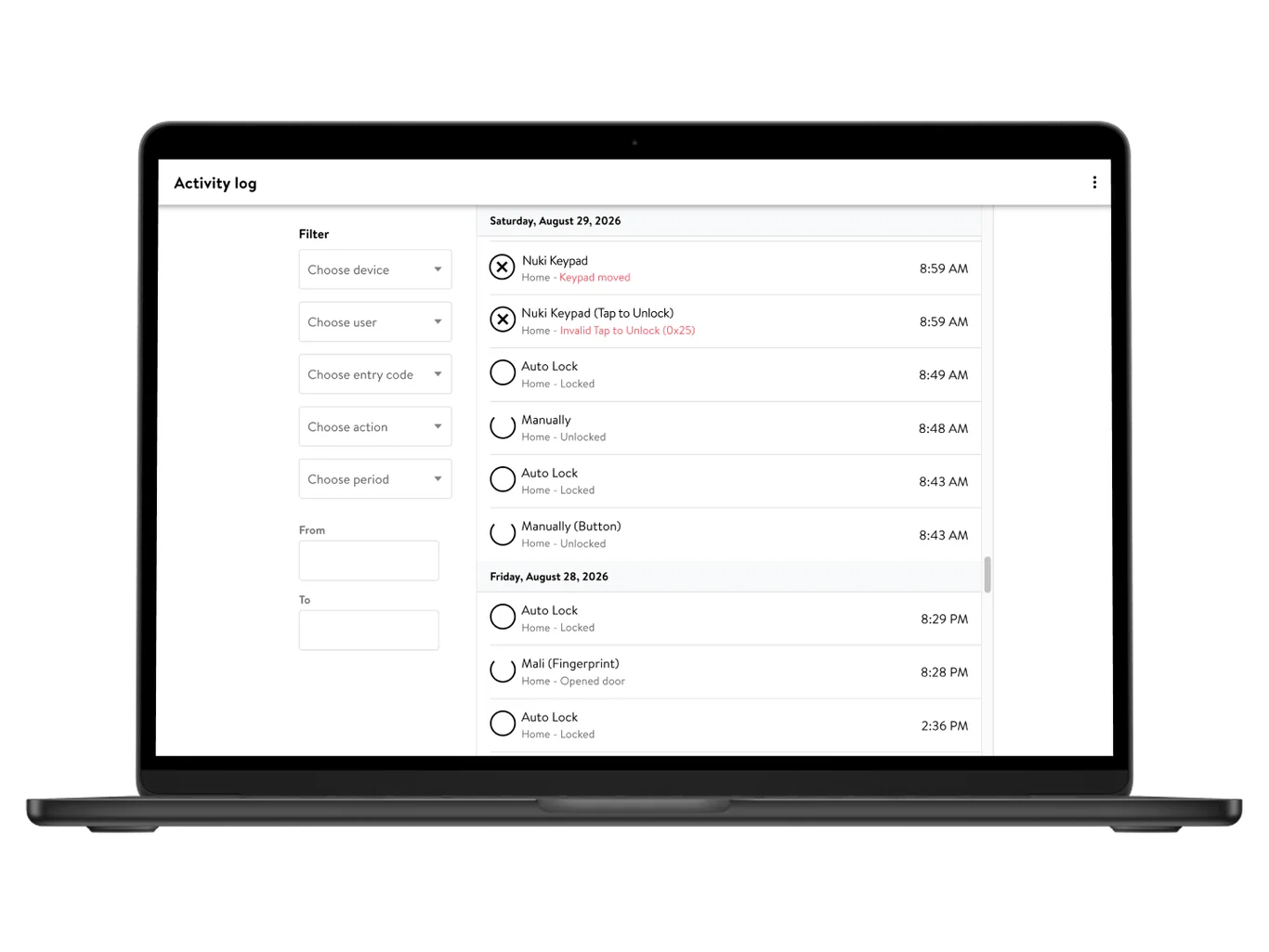
Find the activity you’re looking for
Did someone unlock the door yesterday afternoon? Or are you looking for an action by a particular user?
The activity log in Nuki Web brings locking actions together in chronological order. Filter entries by device, user, entry code, action, or time period to find the information you need.
Stay informed with push notifications
Sometimes you want to check the activity log yourself. At other times, you’d rather hear about something without looking for it.
Push notifications bring selected updates to your smartphone – from locking actions to warnings that may need your attention. Once your Smart Lock is connected to Nuki Web, you can choose which push notifications to receive in the Nuki App.
Push notifications at a glance
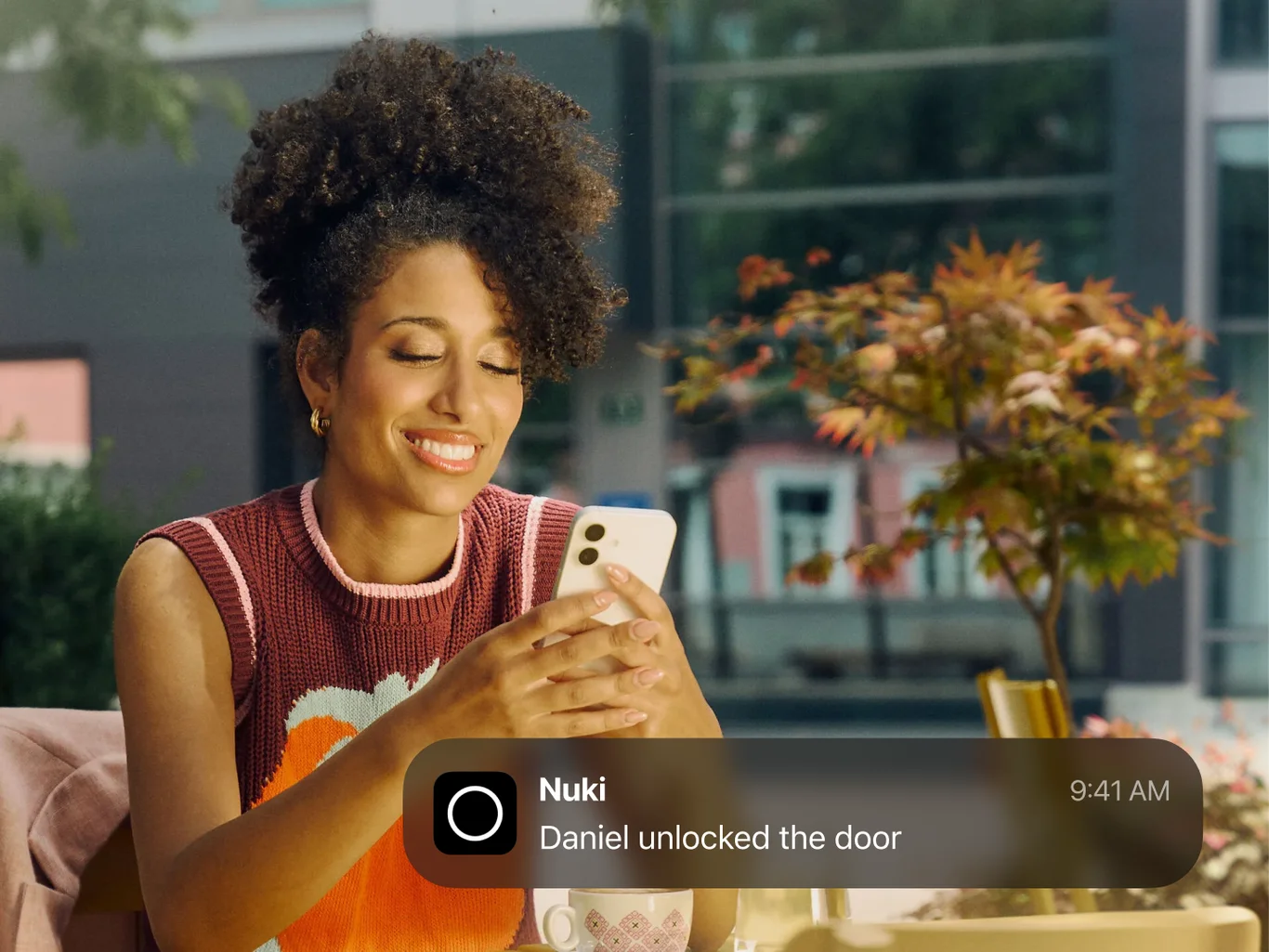
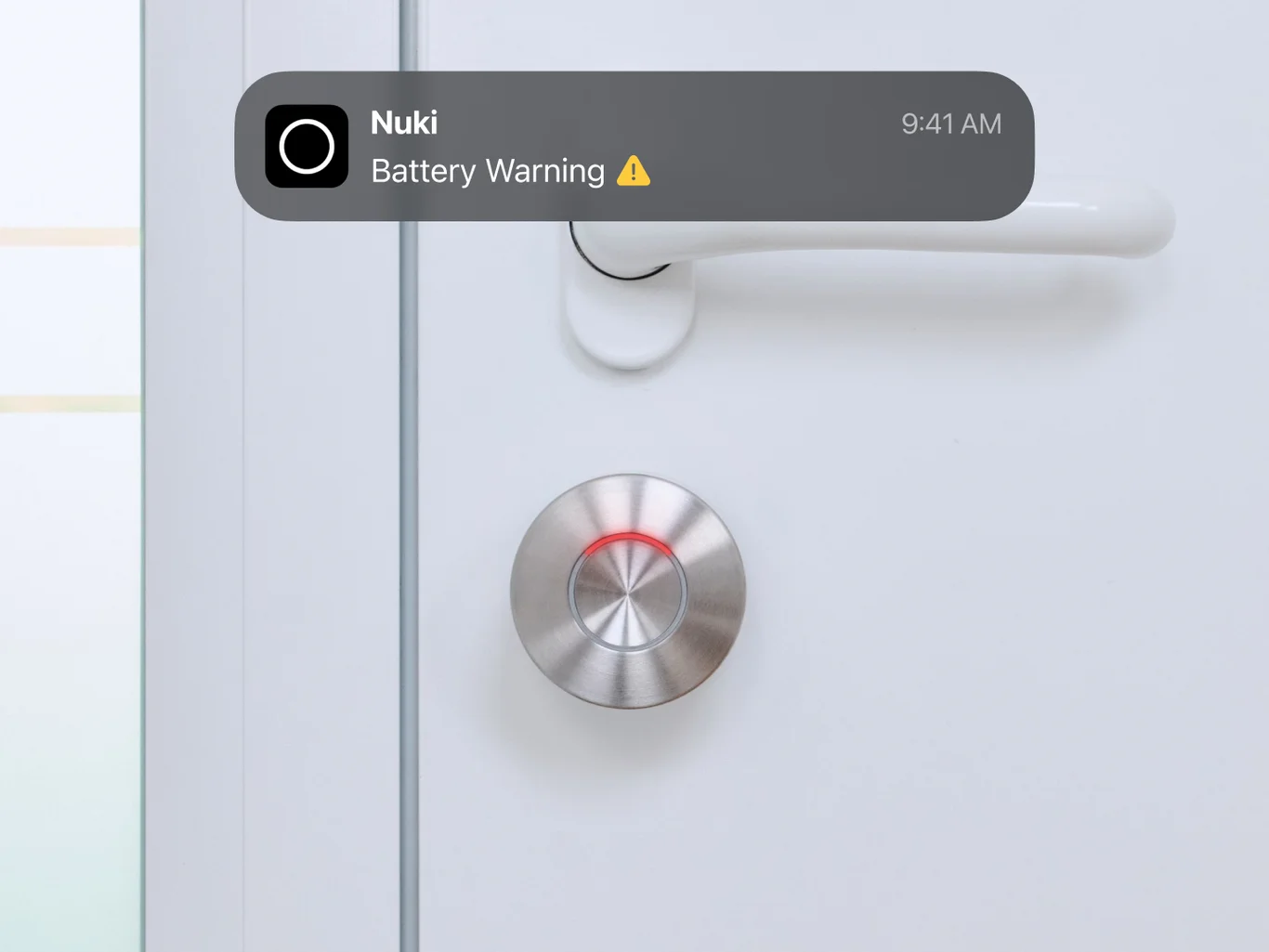
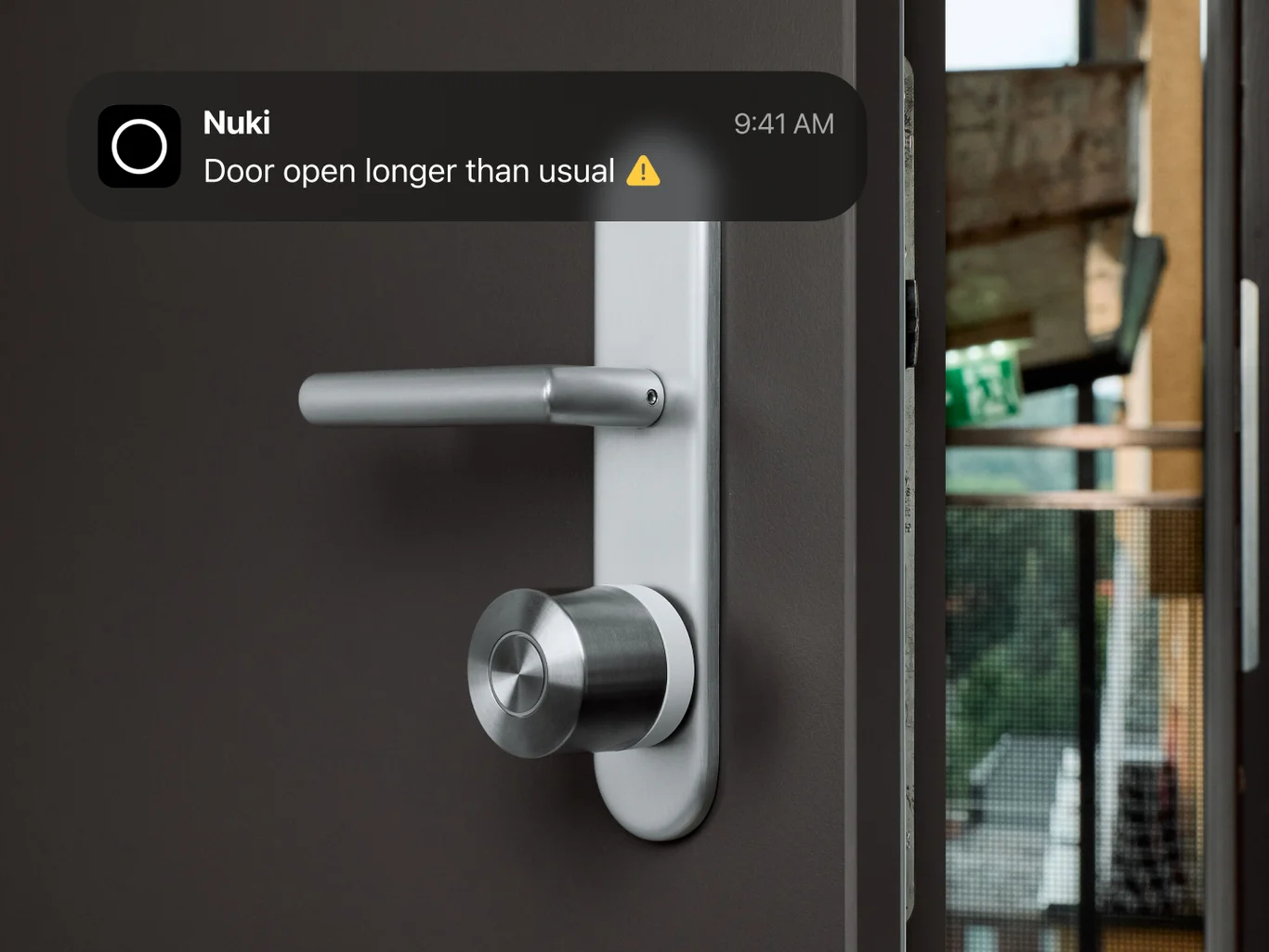
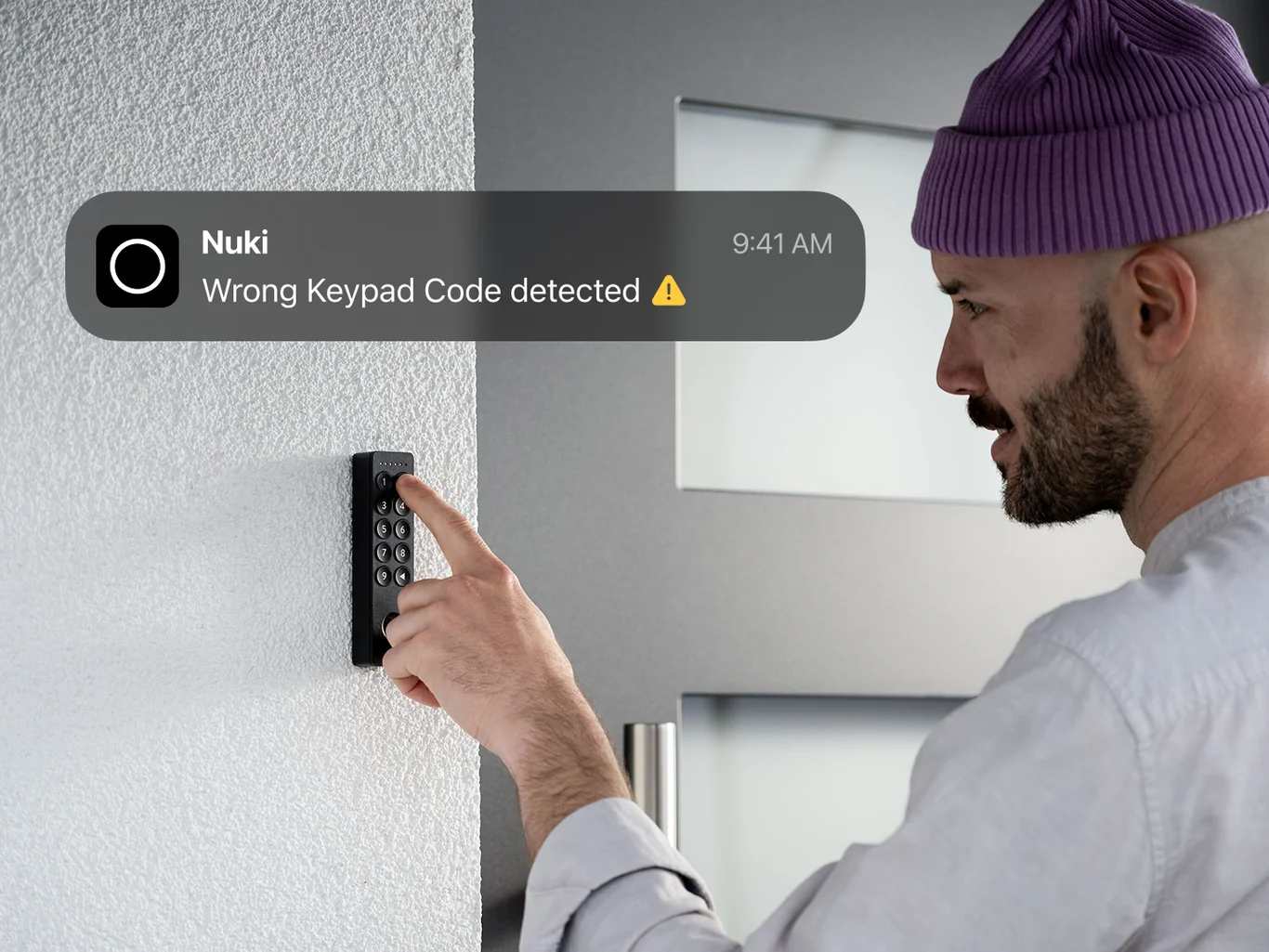
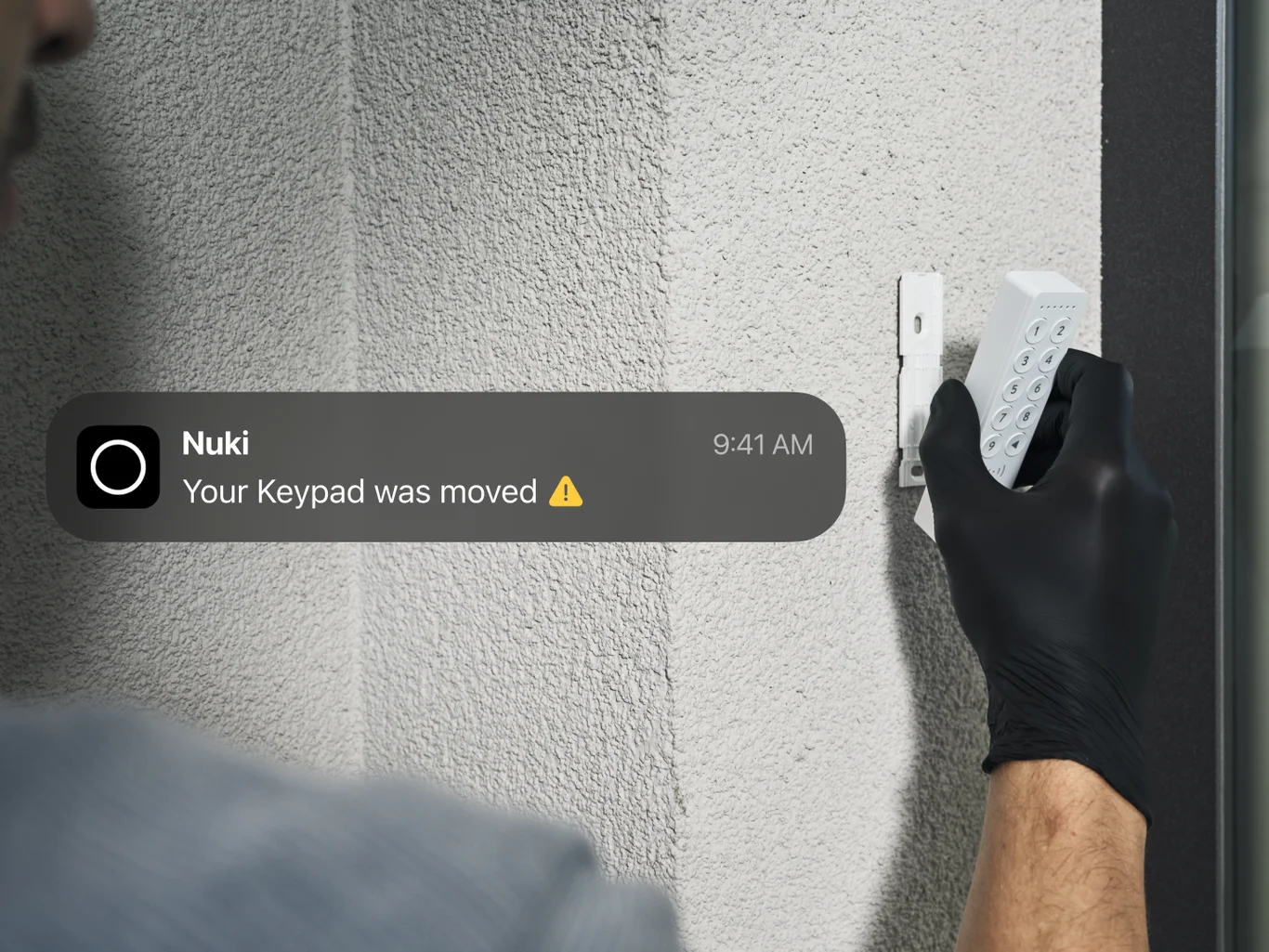
Enable push notifications. Learn how to enable and manage push notifications.
More peace of mind, one notification at a time
A push notification won’t make every decision for you. But it can give you the information you need to decide what to do next – whether that means checking an unexpected activity or replacing a battery.

More awareness. Less checking.
Nuki Web helps you see who has access and find the activity you’re looking for. It also makes push notifications possible, bringing selected updates directly to your smartphone screen. This way, you have all the information you need to make fast and well-founded decisions based on what’s going on in your smart home.